Free to use. Set up your class, enter scores, and get accurate grades instantly — whether you follow DepEd DO 015 or your own custom scheme. Fully offline, no accounts, no fuss.
Out now on iPhone, Android, and Windows. Download it free from the App Store, Google Play, or the Microsoft Store — the same class record on every device you teach with.
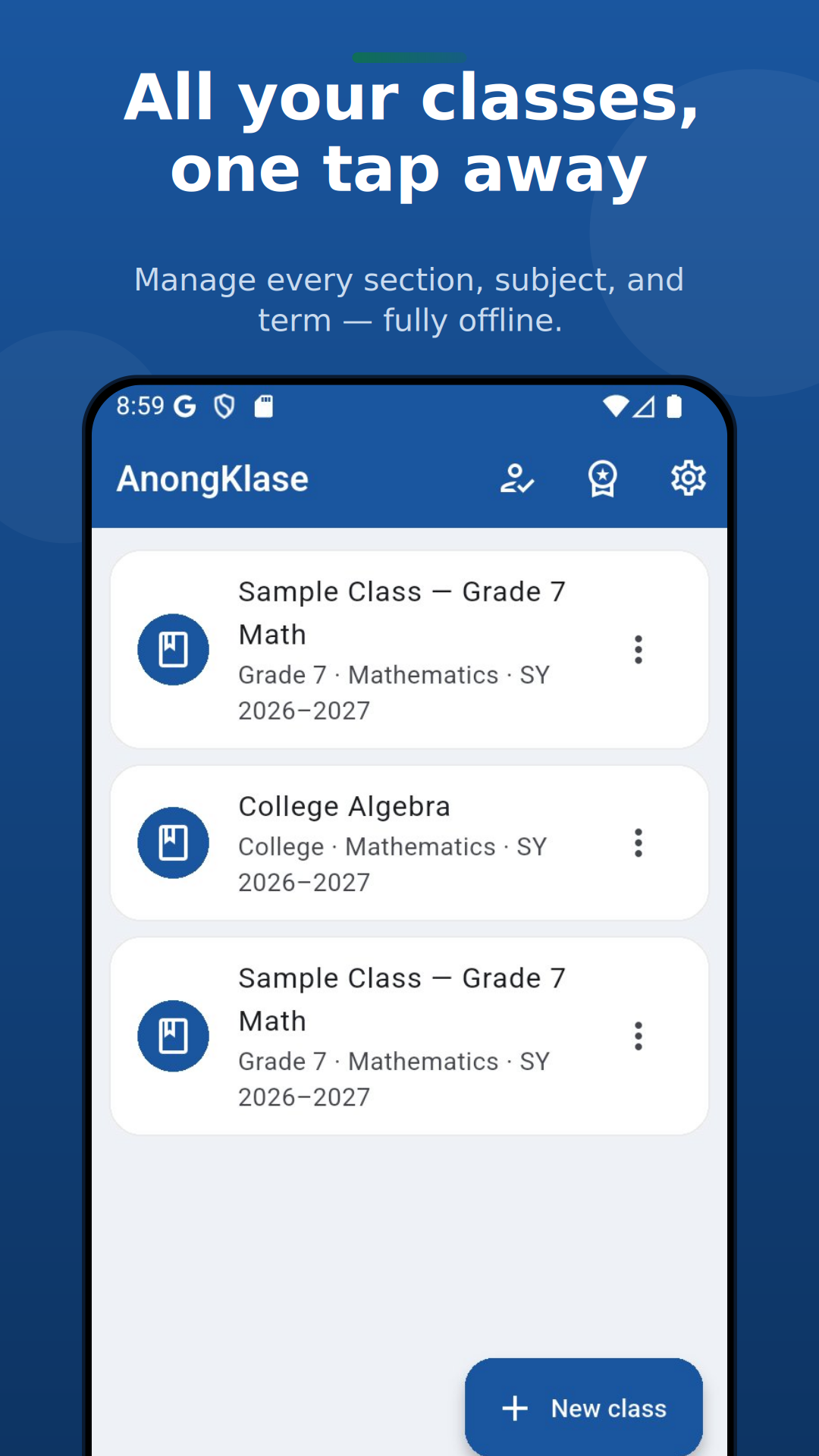
From roster setup to promotion — and now from writing the test to printing it. The whole workflow, on one phone, without a connection.
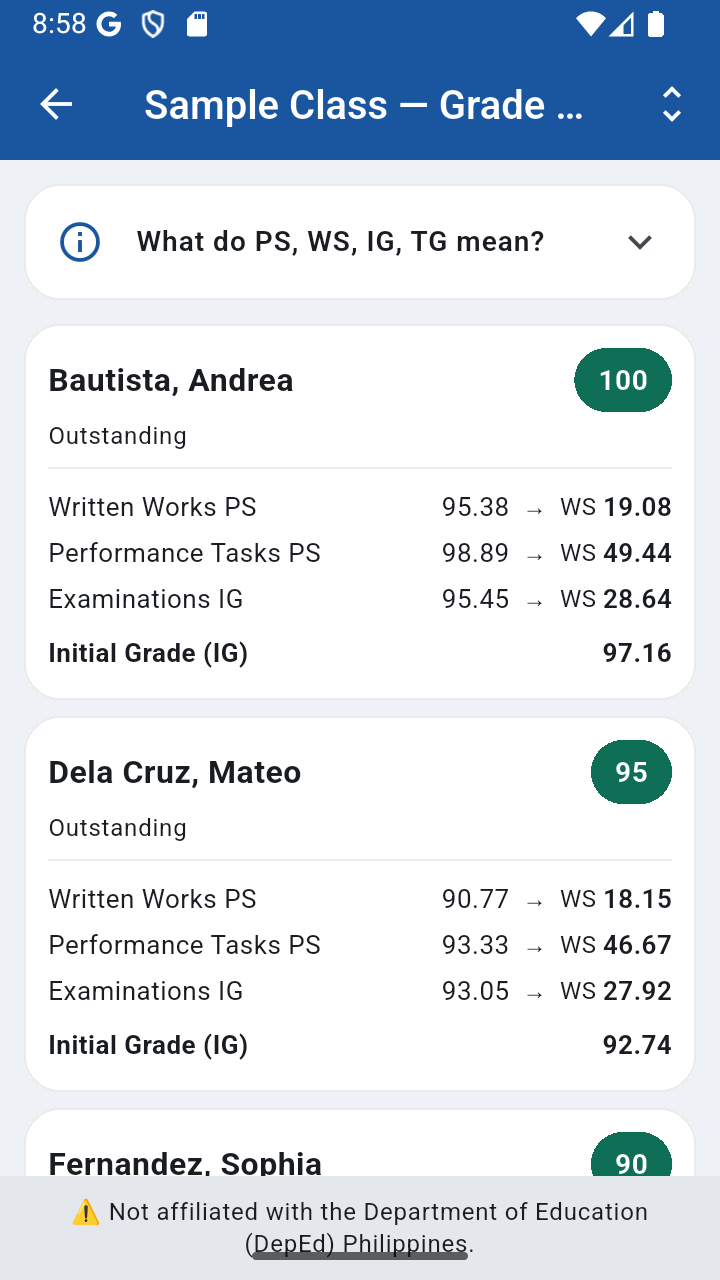
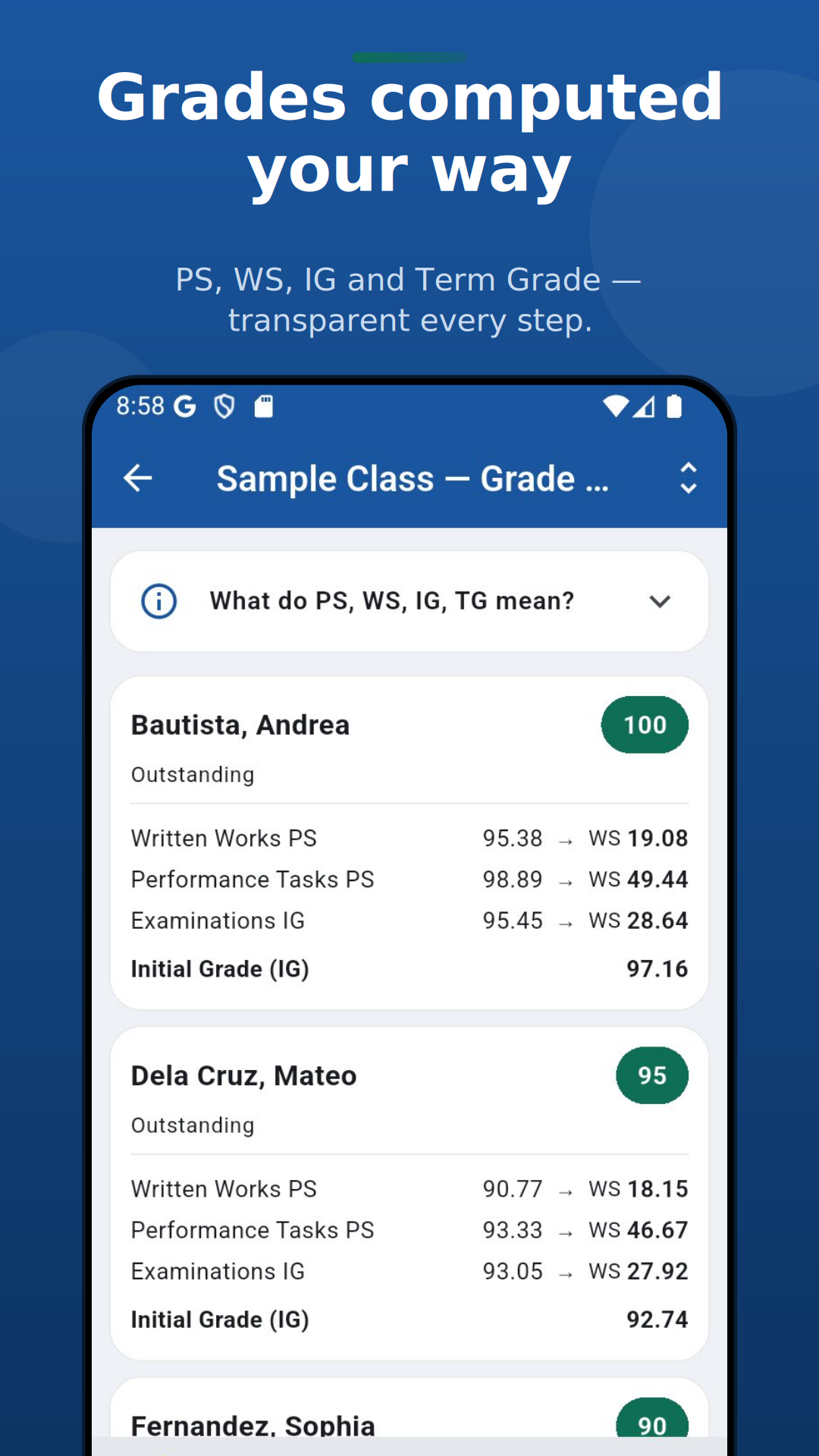
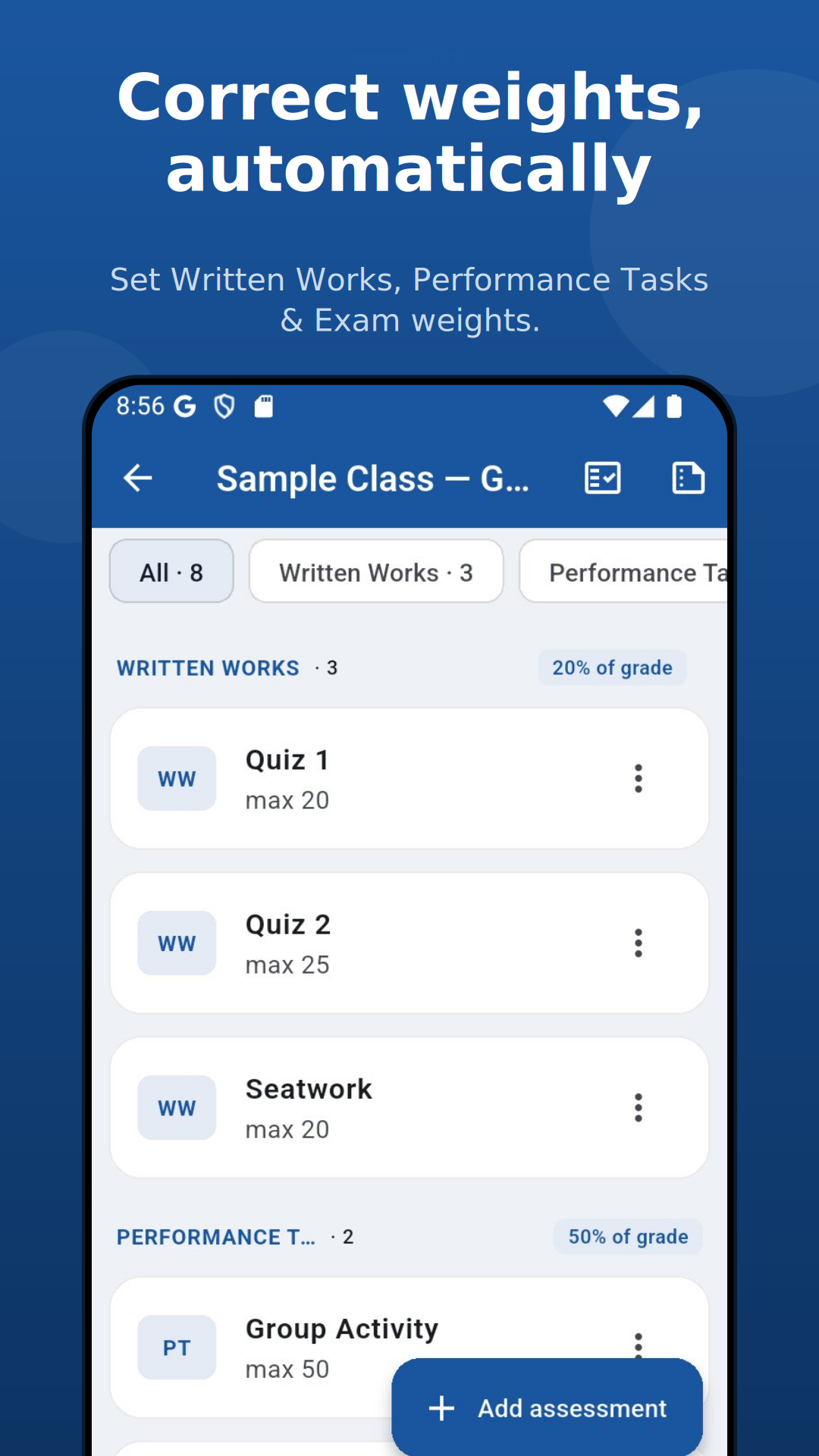
Official DO 015 weights and the SY 2026–2027 transmutation table. Every step is shown (PS → WS → IG → TG) so you can explain any grade.
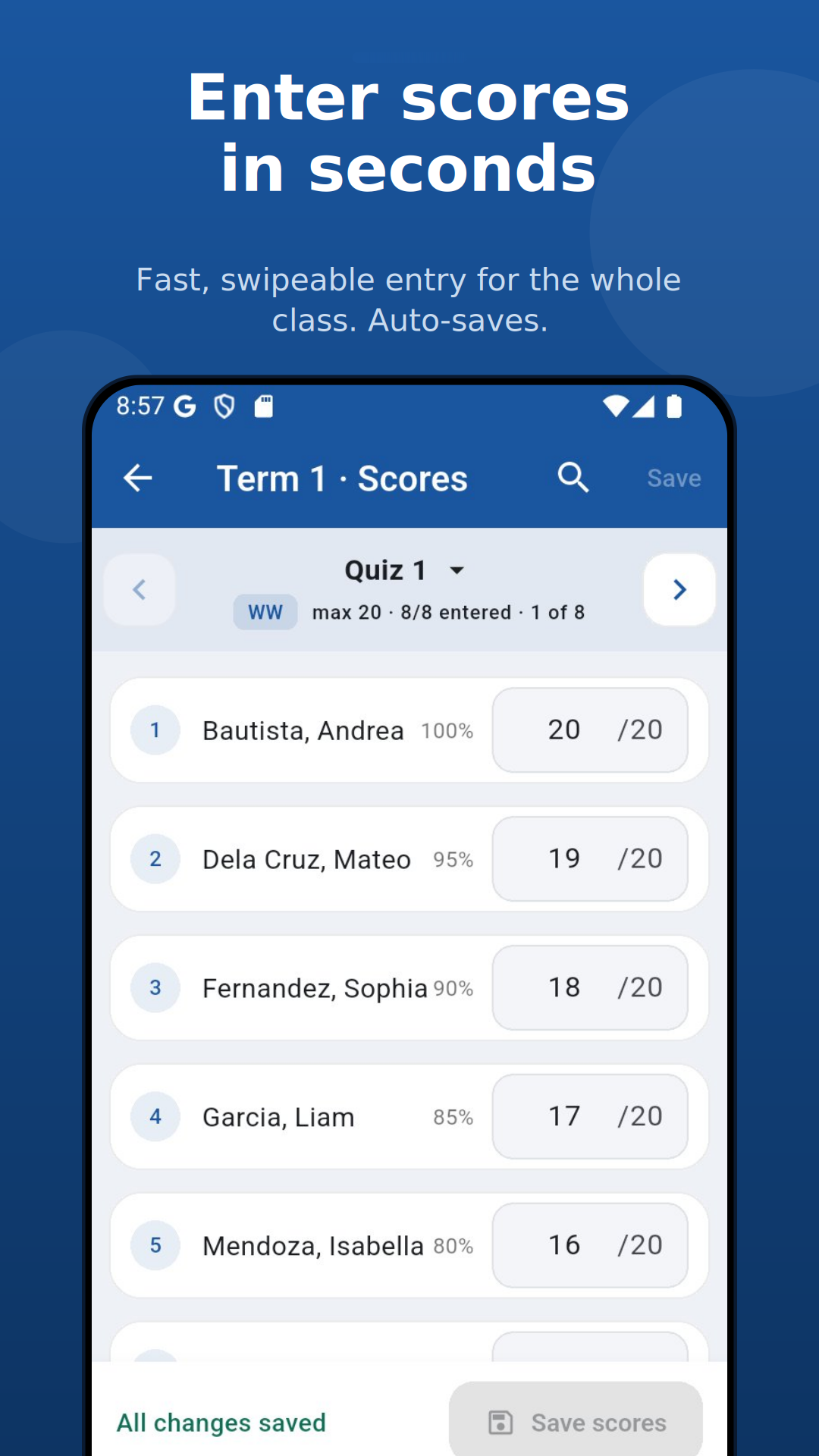
Pick one quiz or exam, then type every student's score down a single list — quick and distraction-free. Set up your roster in seconds by pasting a list of names.
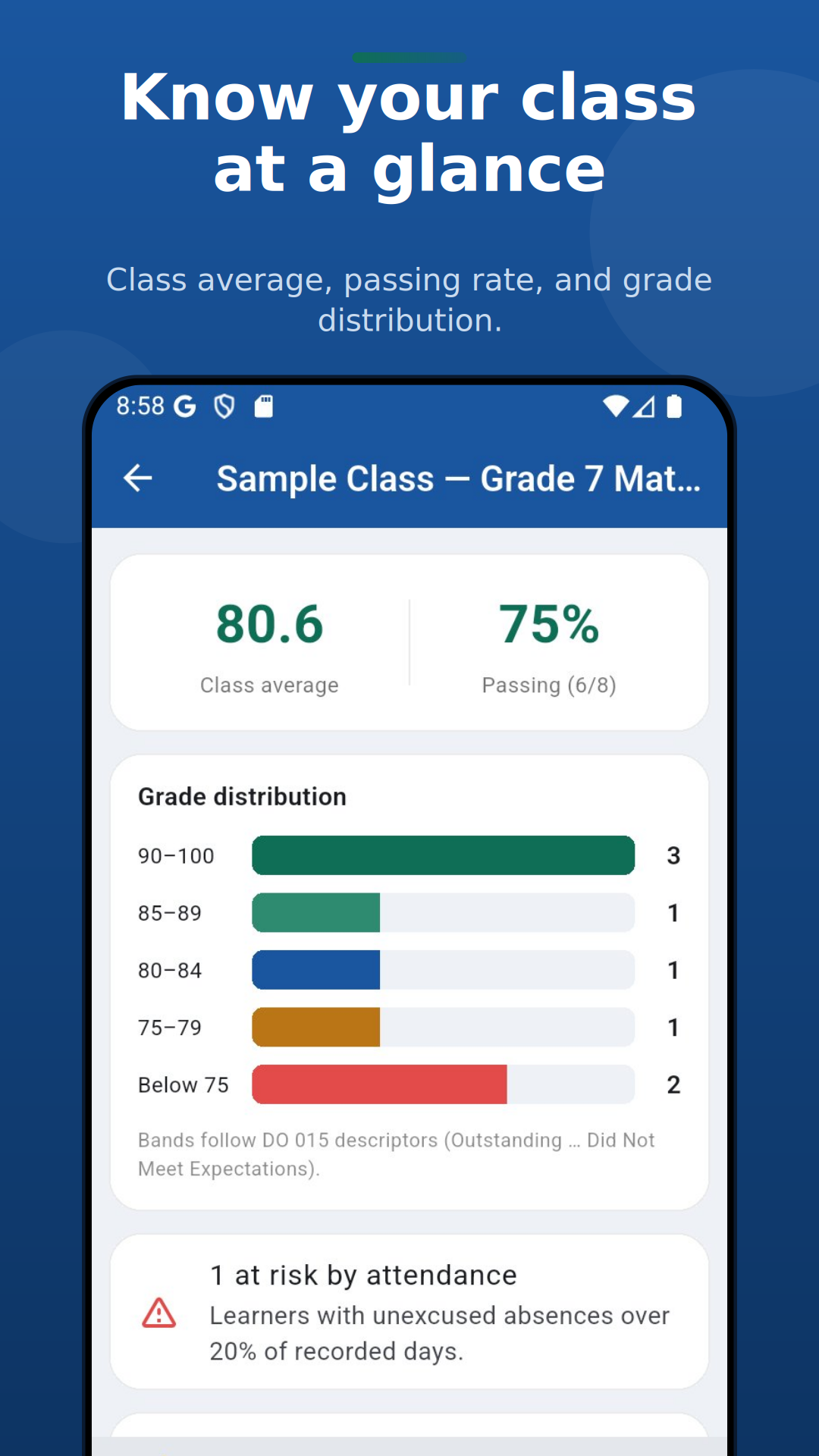
Class average, pass rate, grade distribution, and at-risk learners — all at a glance.
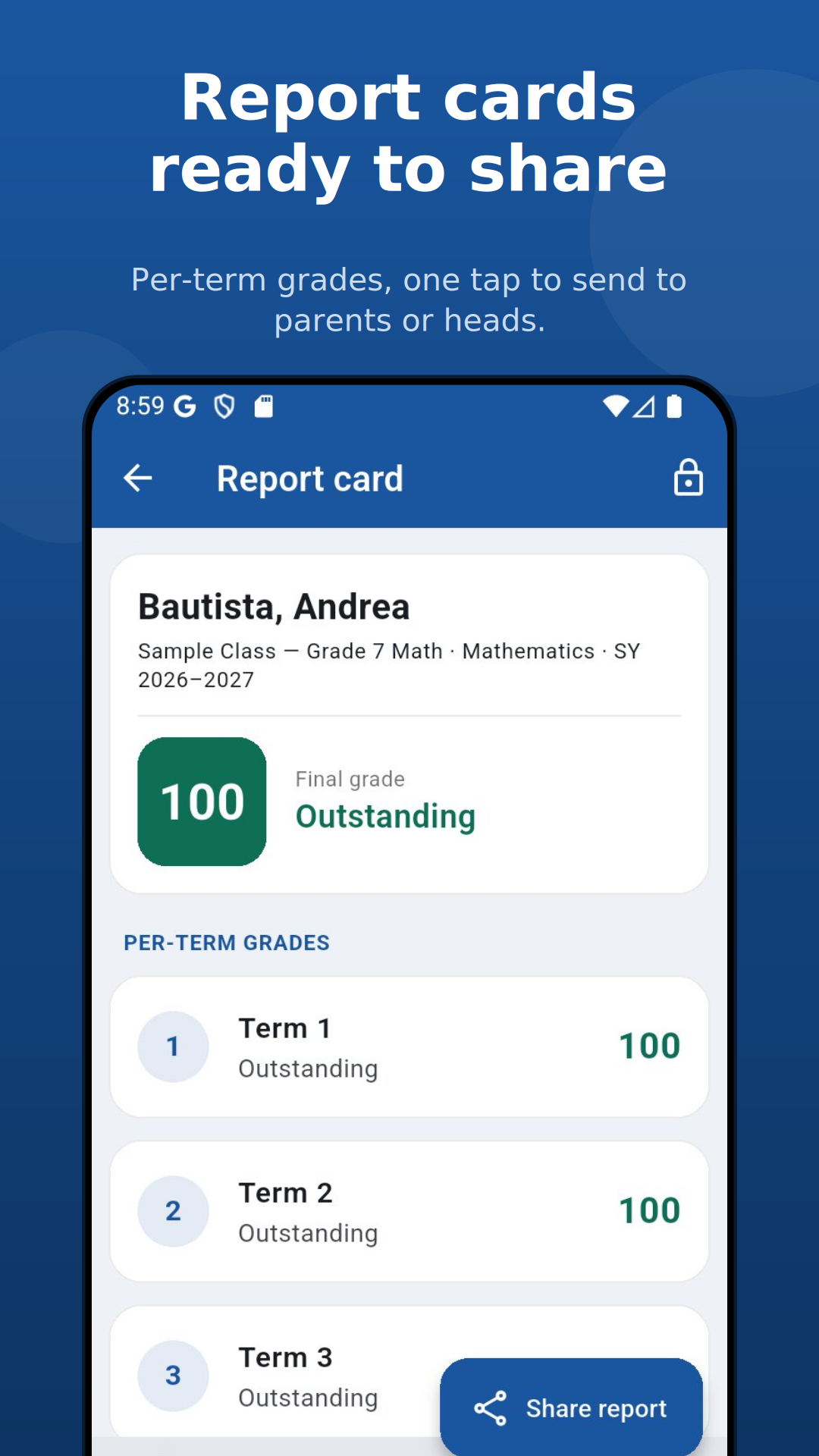
Per-student report cards with final grade, descriptor, and per-term breakdown. Share as text or PDF.
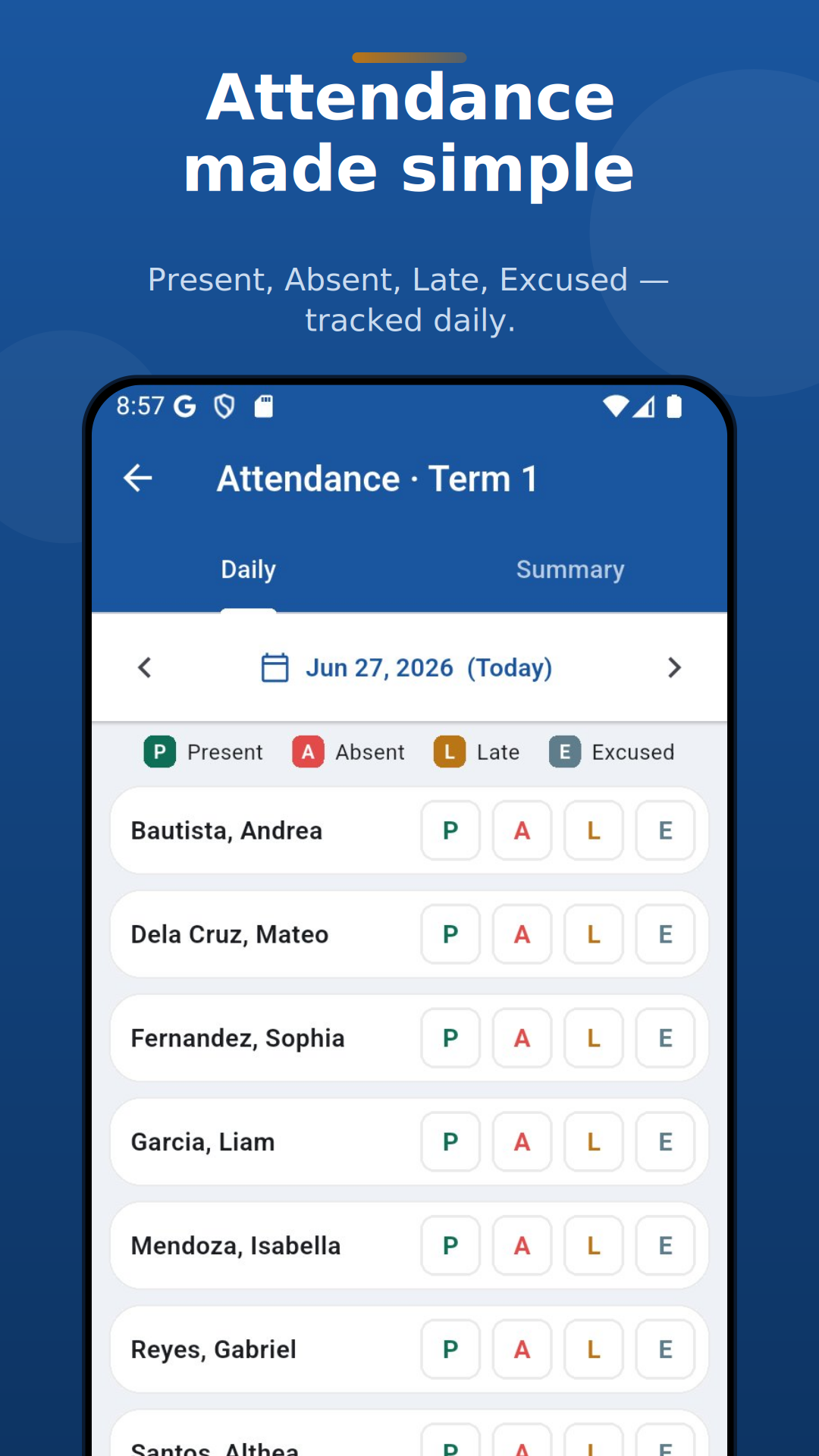
Daily Present / Absent / Late / Excused tracking with automatic at-risk flagging.
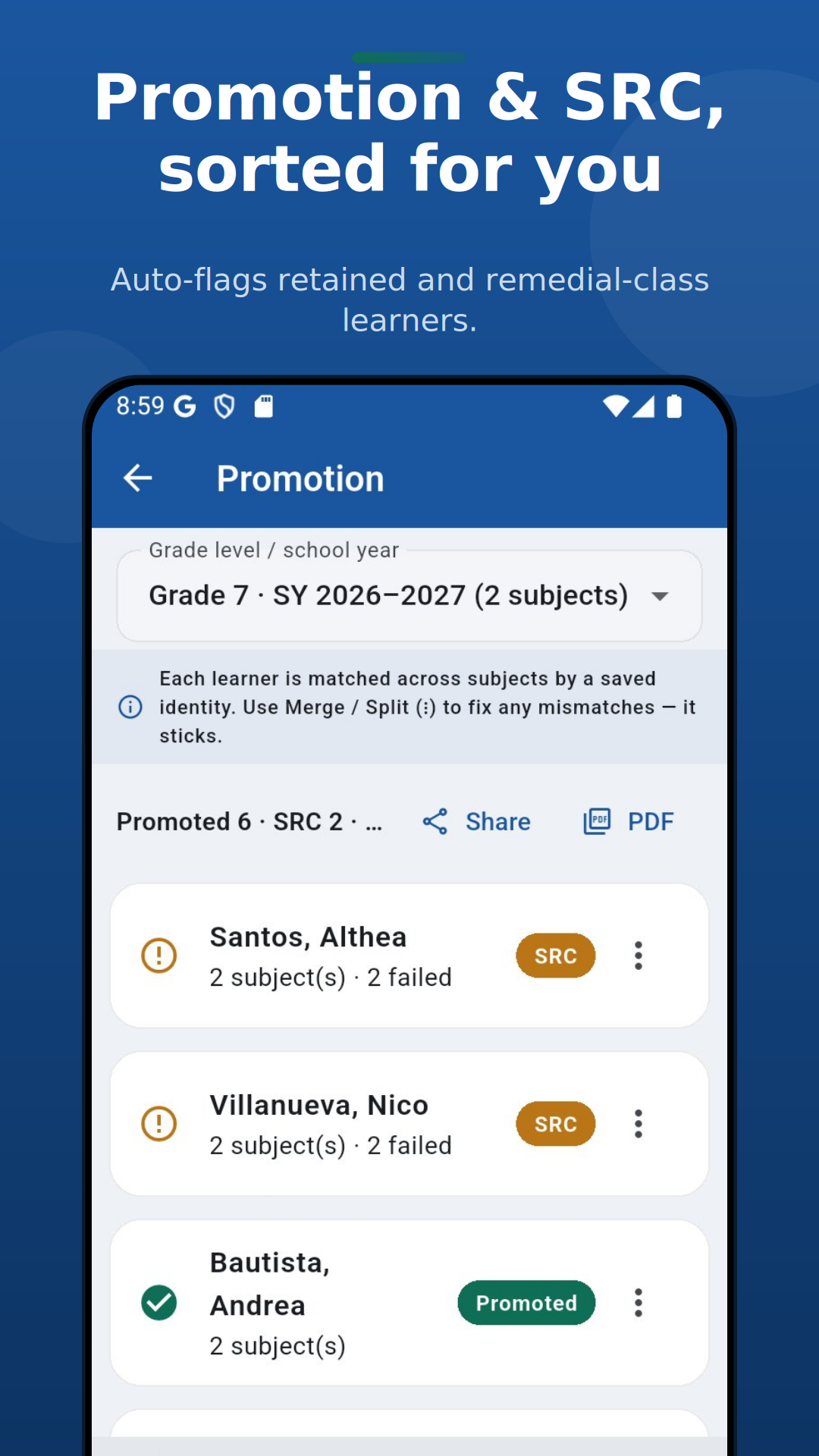
Cross-subject promotion that matches each learner across classes: Promoted, Summer Remedial, or Retained.
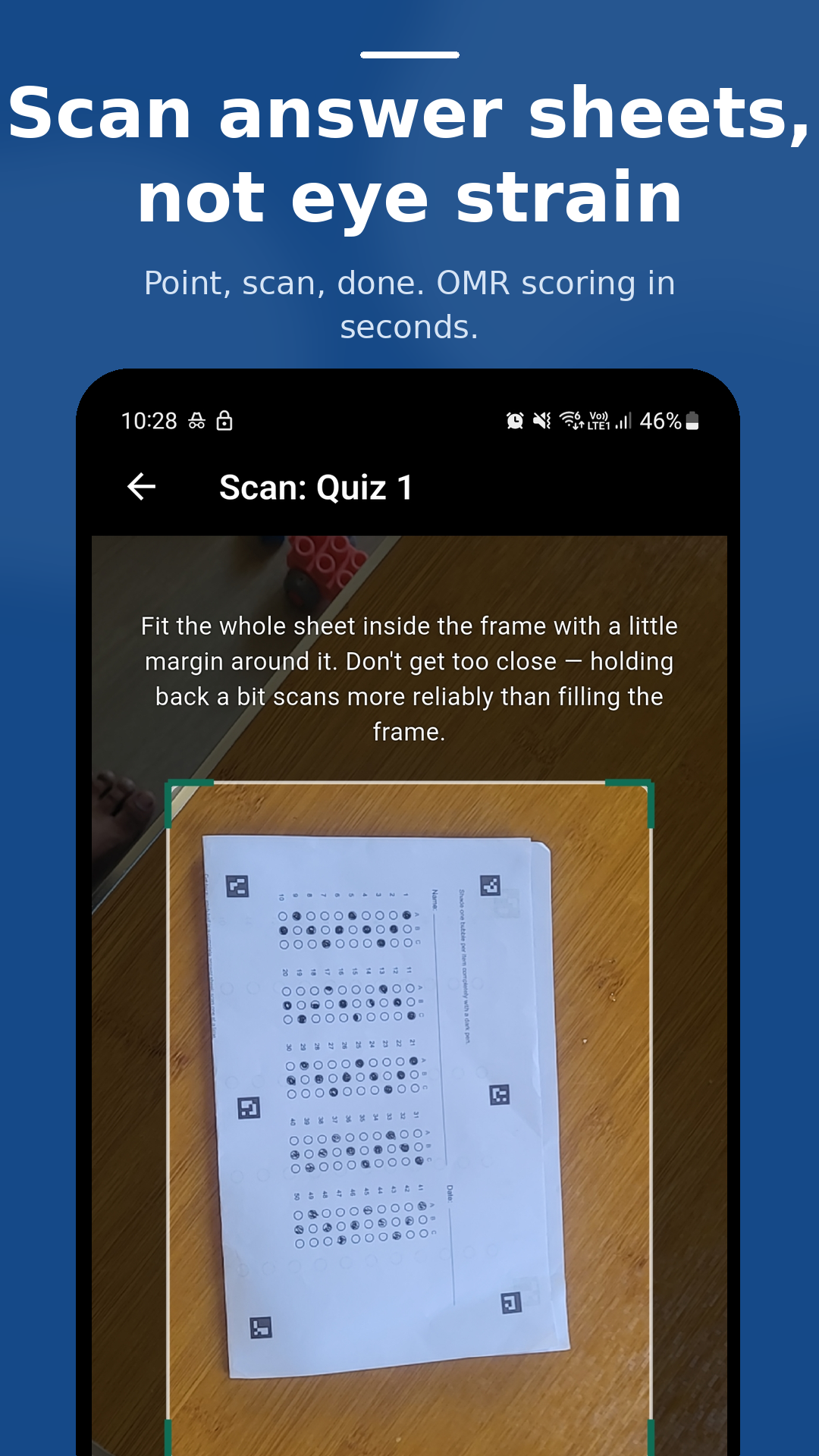
Snap a photo of bubble answer sheets and AnongKlase records every student's score automatically — no manual encoding. Needs a camera, so it's on iPhone and Android.
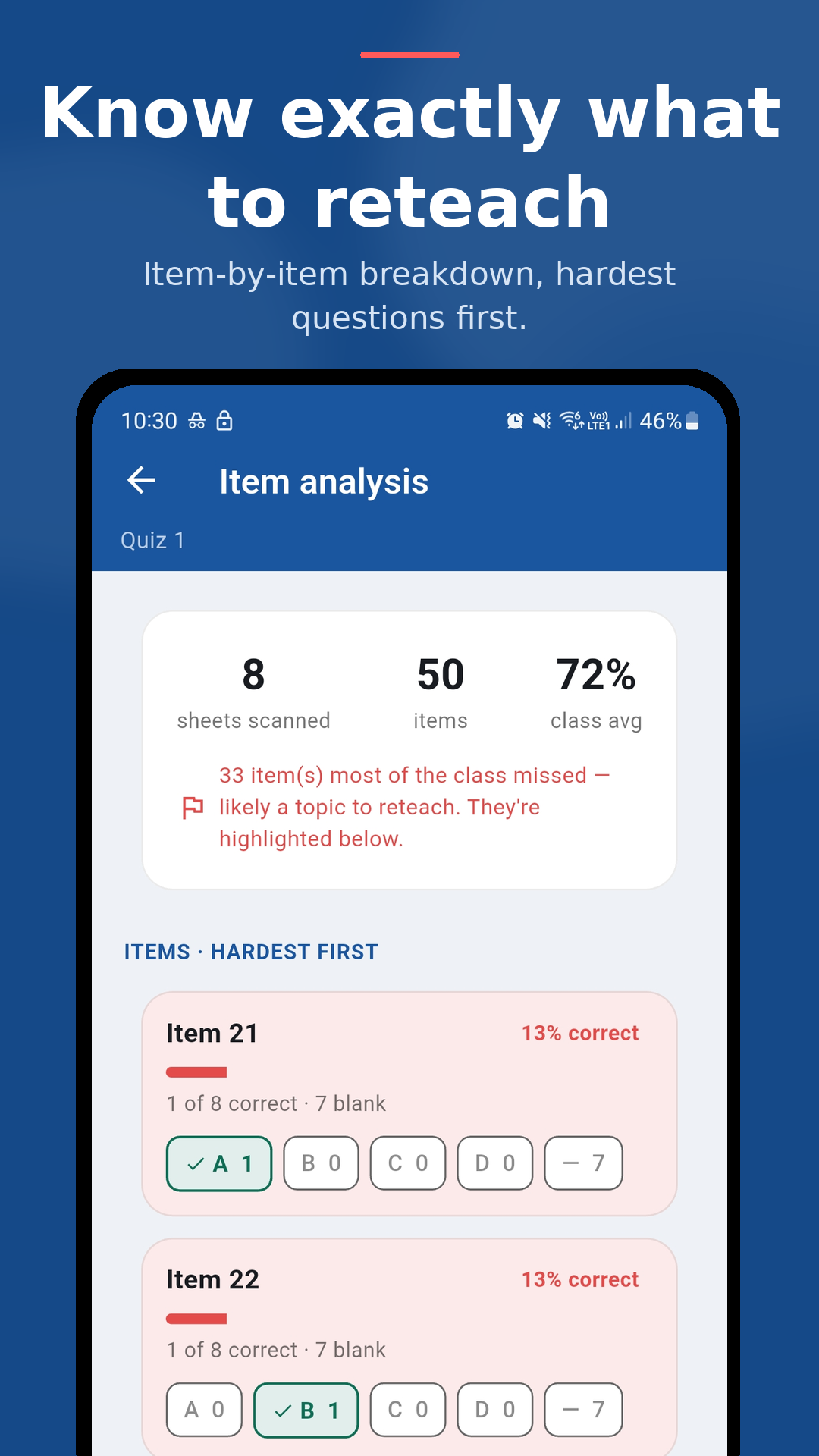
See which questions were hardest — the question, the correct answer, and the wrong choice most of the class picked. Hand each learner back a scored paper showing the items they missed.
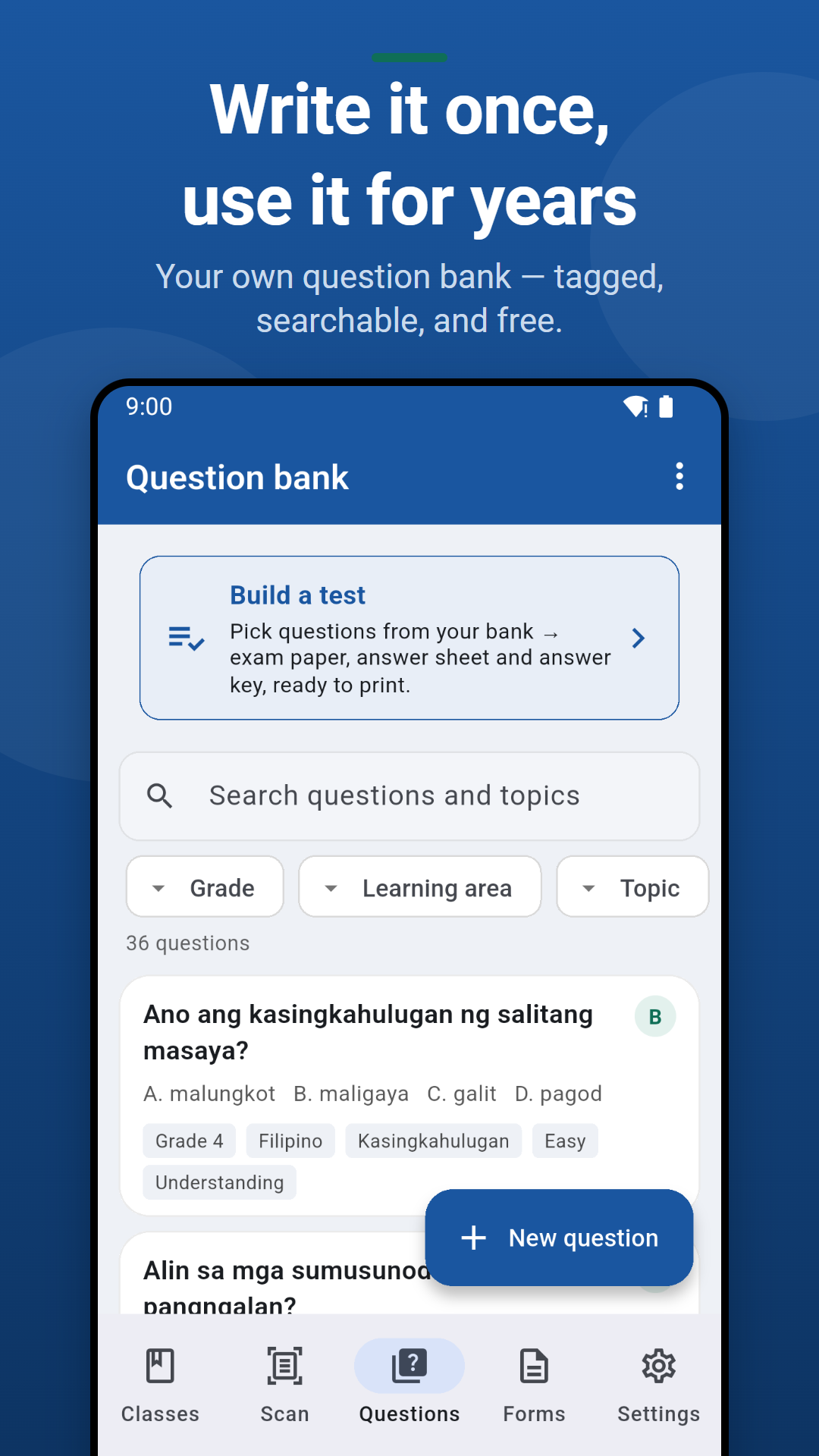
Write a question once and reuse it for years. Tag every item by grade level, learning area, topic, difficulty and cognitive level, then search your way back to it. Share your bank with a co-teacher as a file, or import theirs.
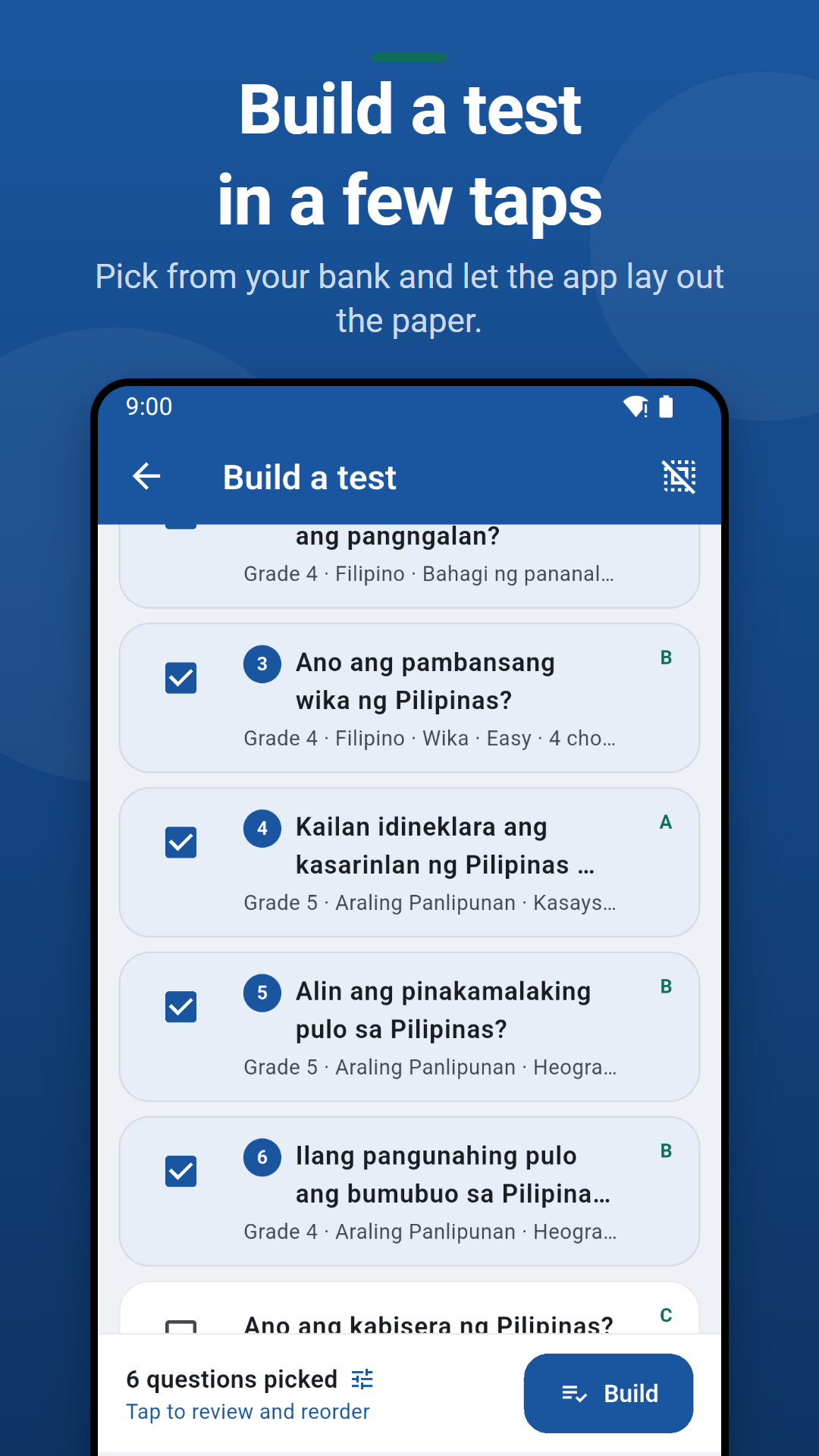
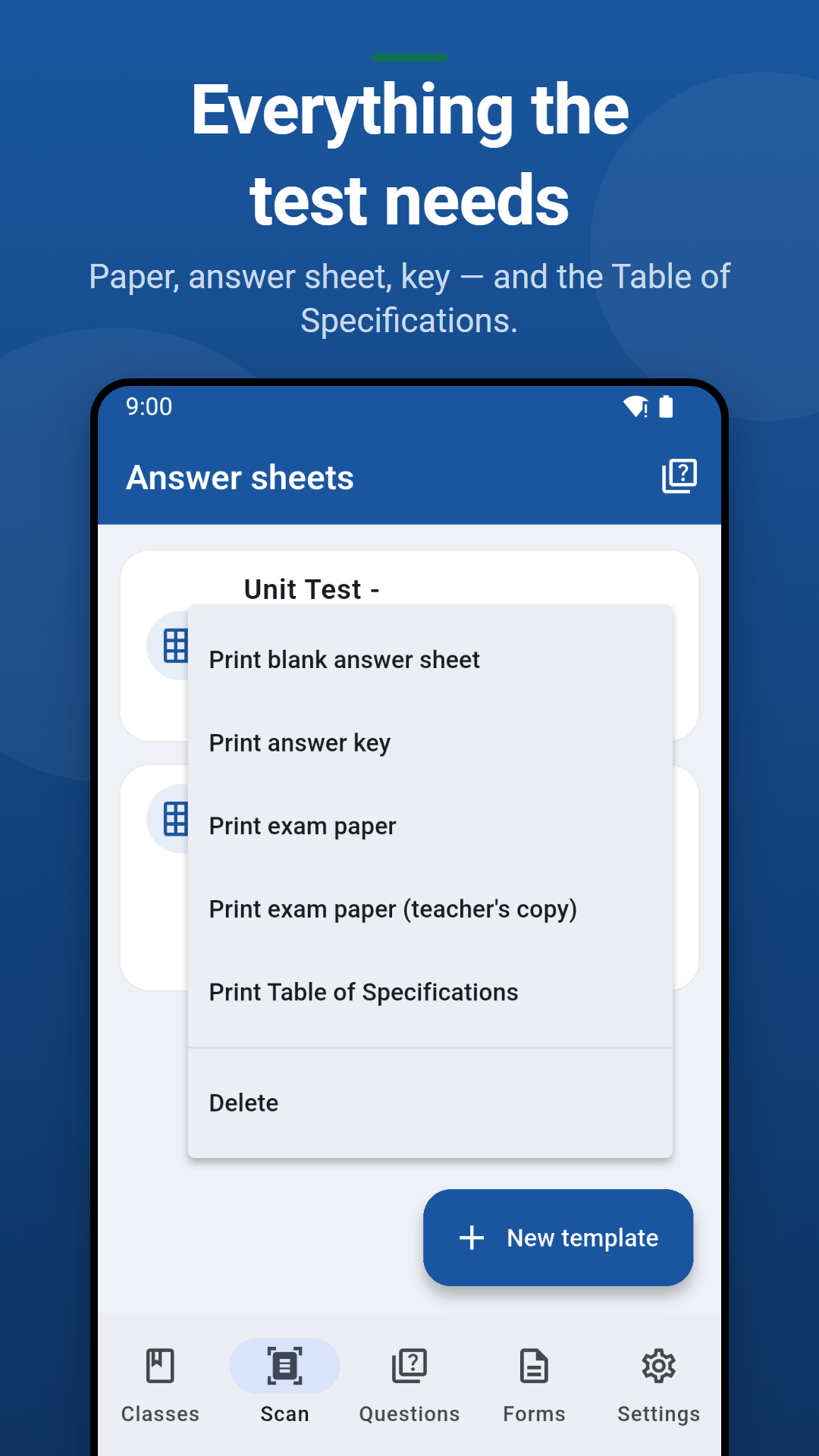
Pick questions from your bank and the app lays out the questionnaire, the teacher's copy with the key marked, and a bubble answer sheet to scan later. Need two versions? Form A and Form B come out of one selection.
The TOS your periodical test needs, printed from the tags already on your items — topic against cognitive level, with item numbers, counts, percentages and the difficulty spread.
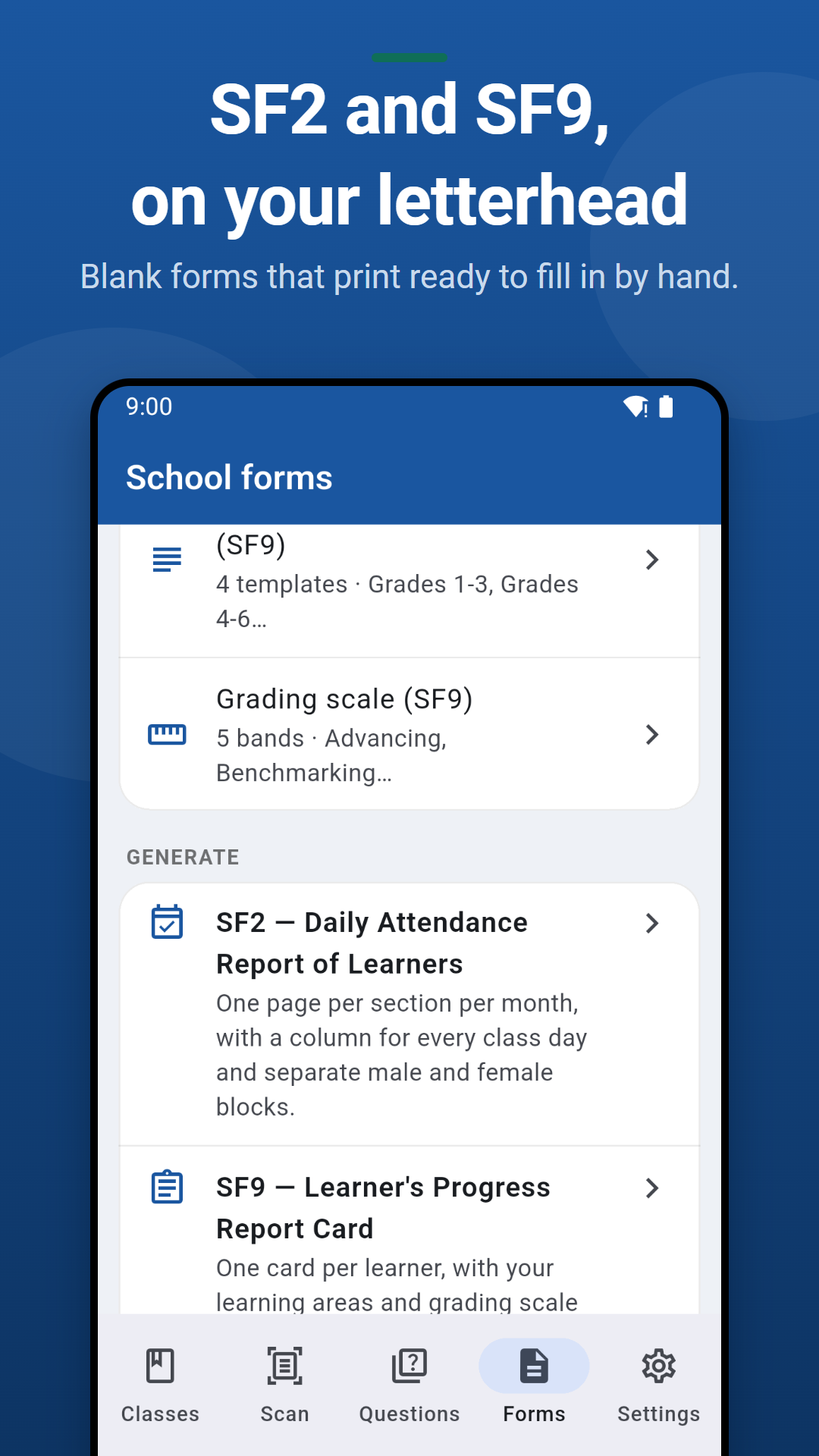
Print blank SF2 attendance sheets and SF9 report cards with your school's letterhead already on them — you fill in the learners and marks by hand. Set your school name, division, logo and signatories once.
Encode on your phone, finish on your laptop. Records sync directly between your own devices over WiFi — no cloud, no account.
Define your own components and weights, choose percentage / 1.00–5.00 GWA / letter scales, and name your own periods.
Grading works without internet, and your class data is stored only on your device.
Real screens from the app. Swipe to explore.
Now available on the App Store for iPhone and iPad. The full class record in your pocket: set up your roster, enter scores between classes, scan answer sheets with the camera, and hand out report cards — all offline.
Your class data stays on your iPhone — nothing is uploaded, and photos of answer sheets are read on the device. Pro bought on iPhone also unlocks the Windows app once you pair the two devices.
Out of beta and public on Google Play. Set up your roster, enter scores between classes, scan answer sheets with the camera, and hand out report cards — all offline, on any Android phone or tablet.
Your class data stays on your phone — nothing is uploaded, and photos of answer sheets are read on the device. Pro bought on Android also unlocks the Windows app once you pair the two devices.
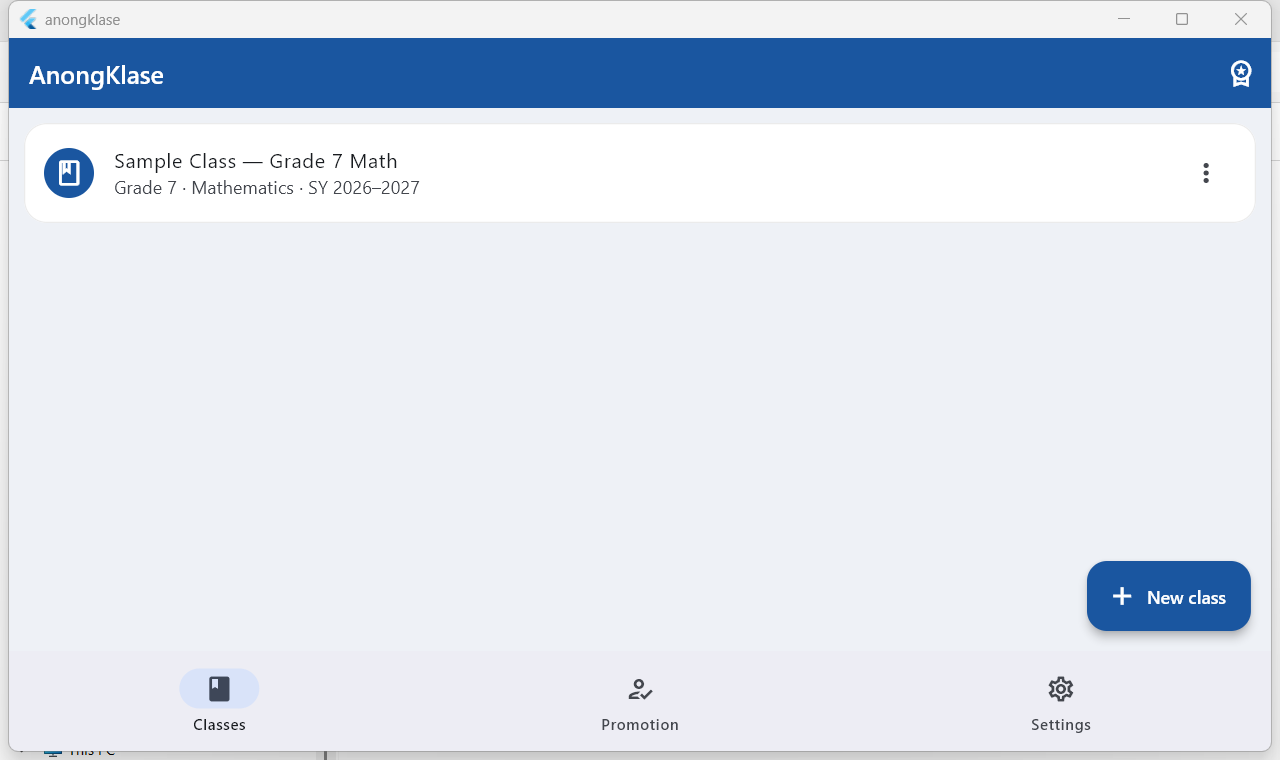
The same offline class record, now on your Windows laptop or desktop — a bigger screen for roster setup, score entry, and grade sheets. Free to use, and your data stays on your computer.
Answer-sheet scanning needs a phone camera, so it's on iPhone and Android — on Windows you can enter the same answers by hand. Pro on Windows is unlocked from the mobile app: subscribe on your phone and pair the two devices.
Encode scores on your phone in class, then finish grades on your laptop at home. Your records move directly between your own two devices over WiFi — nothing is uploaded to the internet, and there's no account to create. This is a Pro feature.
Your home or classroom WiFi is fine — they just need to be on the same network at the same time.
A QR code appears on screen.
Point the camera at the code on your computer.
Both devices now hold the same classes, scores, and attendance.
Same as before — both devices, same network.
Whichever is handy shows the pairing code; the other scans it.
Attendance you took on the laptop and scores you scanned on the phone are simply combined. If you changed the same thing on both, the most recent change is kept.
💡 Buying Pro on your phone also unlocks the Windows app: once your phone is subscribed, pairing the two devices turns on Pro on your computer automatically — no separate purchase. Some home routers block devices from reaching each other on WiFi (“AP isolation”); if pairing won’t connect, turning on your phone’s hotspot and connecting the computer to it always works.
AnongKlase is free to use — real DepEd-correct grading, not a trial, no time limit. Your question bank is free and uncapped too. Upgrade to Pro only when you want more, and pick the term that suits you.
One subscription covers both your phone and your computer. Subscribe once in the mobile app — on iPhone or on Android — then unlock Windows by pairing your devices. Every term unlocks exactly the same features; the yearly one matches the school year and works out cheapest. You can switch plans or cancel anytime in your App Store or Google Play subscriptions.